Advanced React Performance Optimization: From Rendering to Memory Management
Dive deep into React performance optimization with concurrent features, advanced memoization strategies, and memory management techniques for building lightning-fast web applications.
Amr S.
Author & Developer

Advanced React Performance Optimization: From Rendering to Memory Management
React's performance landscape has evolved dramatically with the introduction of concurrent features and advanced optimization techniques. This complete guide explores cutting-edge strategies for building high-performance React applications that scale to millions of users.
Concurrent Features and Time Slicing
React 18's concurrent features revolutionize how we handle rendering and user interactions. Time slicing allows React to pause and resume work, keeping the main thread responsive even during heavy computations.
import React, { useMemo, useDeferredValue, useTransition, startTransition } from 'react';
import { createRoot } from 'react-dom/client';

// Advanced memoization with dependency optimization
const ExpensiveComponent = React.memo(({ data, filters, onUpdate }: {
  data: DataItem[];
  filters: FilterConfig;
  onUpdate: (item: DataItem) => void;
}) => {
  // Defer non-urgent updates to maintain responsiveness
  const deferredFilters = useDeferredValue(filters);

  // Memoize expensive computations with proper dependencies
  const processedData = useMemo(() => {
    return data
      .filter(item => matchesFilters(item, deferredFilters))
      .sort((a, b) => scoreRelevance(b, deferredFilters) - scoreRelevance(a, deferredFilters))
      .slice(0, 100); // Limit rendering for performance
  }, [data, deferredFilters]);

  // Use transition for non-urgent state updates
  const [isPending, startTransition] = useTransition();

  const handleUpdate = (item: DataItem) => {
    startTransition(() => {
      onUpdate(item);
    });
  };

  return (
    <div className={isPending ? 'opacity-50' : ''}>
      {processedData.map(item => (
        <OptimizedListItem
          key={item.id}
          item={item}
          onUpdate={handleUpdate}
        />
      ))}
    </div>
  );
}, (prevProps, nextProps) => {
  // Custom comparison function for complex props
  return (
    prevProps.data === nextProps.data &&
    JSON.stringify(prevProps.filters) === JSON.stringify(nextProps.filters) &&
    prevProps.onUpdate === nextProps.onUpdate
  );
});

// Virtualized list component for large datasets
const VirtualizedList = ({ items }: { items: DataItem[] }) => {
  const [startIndex, setStartIndex] = useState(0);
  const [endIndex, setEndIndex] = useState(20);
  const containerRef = useRef<HTMLDivElement>(null);

  useEffect(() => {
    const container = containerRef.current;
    if (!container) return;

    const handleScroll = () => {
      const scrollTop = container.scrollTop;
      const itemHeight = 60; // Fixed item height
      const containerHeight = container.clientHeight;

      const newStartIndex = Math.floor(scrollTop / itemHeight);
      const newEndIndex = Math.min(
        items.length,
        newStartIndex + Math.ceil(containerHeight / itemHeight) + 5
      );

      setStartIndex(newStartIndex);
      setEndIndex(newEndIndex);
    };

    container.addEventListener('scroll', handleScroll, { passive: true });
    return () => container.removeEventListener('scroll', handleScroll);
  }, [items.length]);

  const visibleItems = items.slice(startIndex, endIndex);
  const totalHeight = items.length * 60;
  const offsetY = startIndex * 60;

  return (
    <div ref={containerRef} style={{ height: 400, overflow: 'auto' }}>
      <div style={{ height: totalHeight, position: 'relative' }}>
        <div style={{ transform: `translateY(${offsetY}px)` }}>
          {visibleItems.map((item, index) => (
            <ListItem key={item.id} item={item} />
          ))}
        </div>
      </div>
    </div>
  );
};
📝 Use useDeferredValue for search inputs and filters, useTransition for navigation and non-urgent updates, and startTransition for imperative updates that can be delayed.
Memory Management and Leak Prevention
Memory leaks in React applications can severely impact performance, especially in long-running SPAs. Advanced memory management involves understanding closure scopes, cleanup patterns, and optimal data structures.
// Advanced memory management patterns
class MemoryOptimizedCache<K, V> {
  private cache = new Map<K, V>();
  private accessTimes = new Map<K, number>();
  private maxSize: number;

  constructor(maxSize = 1000) {
    this.maxSize = maxSize;
  }

  get(key: K): V | undefined {
    const value = this.cache.get(key);
    if (value !== undefined) {
      this.accessTimes.set(key, Date.now());
    }
    return value;
  }

  set(key: K, value: V): void {
    if (this.cache.size >= this.maxSize) {
      this.evictLeastRecentlyUsed();
    }

    this.cache.set(key, value);
    this.accessTimes.set(key, Date.now());
  }

  private evictLeastRecentlyUsed(): void {
    let oldestKey: K | undefined;
    let oldestTime = Infinity;

    for (const [key, time] of this.accessTimes) {
      if (time < oldestTime) {
        oldestTime = time;
        oldestKey = key;
      }
    }

    if (oldestKey !== undefined) {
      this.cache.delete(oldestKey);
      this.accessTimes.delete(oldestKey);
    }
  }
}

// Hook for memory-efficient data fetching
function useOptimizedQuery<T>(
  queryKey: string,
  queryFn: () => Promise<T>,
  options: {
    staleTime?: number;
    cacheTime?: number;
    refetchOnWindowFocus?: boolean;
  } = {}
) {
  const [data, setData] = useState<T | null>(null);
  const [isLoading, setIsLoading] = useState(false);
  const [error, setError] = useState<Error | null>(null);

  const cache = useRef(new MemoryOptimizedCache<string, {
    data: T;
    timestamp: number;
  }>());

  const abortControllerRef = useRef<AbortController | null>(null);

  const executeQuery = useCallback(async () => {
    // Cancel previous request
    if (abortControllerRef.current) {
      abortControllerRef.current.abort();
    }

    const cachedResult = cache.current.get(queryKey);
    const now = Date.now();

    // Return cached data if still fresh
    if (cachedResult && (now - cachedResult.timestamp) < (options.staleTime || 300000)) {
      setData(cachedResult.data);
      return;
    }

    setIsLoading(true);
    setError(null);

    abortControllerRef.current = new AbortController();

    try {
      const result = await queryFn();

      // Only update if not aborted
      if (!abortControllerRef.current.signal.aborted) {
        cache.current.set(queryKey, { data: result, timestamp: now });
        setData(result);
      }
    } catch (err) {
      if (!abortControllerRef.current.signal.aborted) {
        setError(err as Error);
      }
    } finally {
      if (!abortControllerRef.current.signal.aborted) {
        setIsLoading(false);
      }
    }
  }, [queryKey, queryFn, options.staleTime]);

  useEffect(() => {
    executeQuery();

    // Cleanup on unmount
    return () => {
      if (abortControllerRef.current) {
        abortControllerRef.current.abort();
      }
    };
  }, [executeQuery]);

  // Handle window focus refetch
  useEffect(() => {
    if (!options.refetchOnWindowFocus) return;

    const handleFocus = () => executeQuery();
    window.addEventListener('focus', handleFocus);

    return () => window.removeEventListener('focus', handleFocus);
  }, [executeQuery, options.refetchOnWindowFocus]);

  return { data, isLoading, error, refetch: executeQuery };
}
⚠️ Always cleanup subscriptions, cancel pending requests, and clear timers in useEffect cleanup functions. Use WeakMap and WeakSet for object-keyed caches to prevent memory leaks.
Tags
Share this article
Enjoying the Content?
If this article helped you, consider buying me a coffee ☕
Your support helps me create more quality content for the community!
☕ Every coffee fuels more tutorials • 🚀 100% goes to creating better content • ❤️ Thank you for your support!
About Amr S.
Passionate about web development and sharing knowledge with the community. Writing about modern web technologies, best practices, and developer experiences.
More from Amr S.
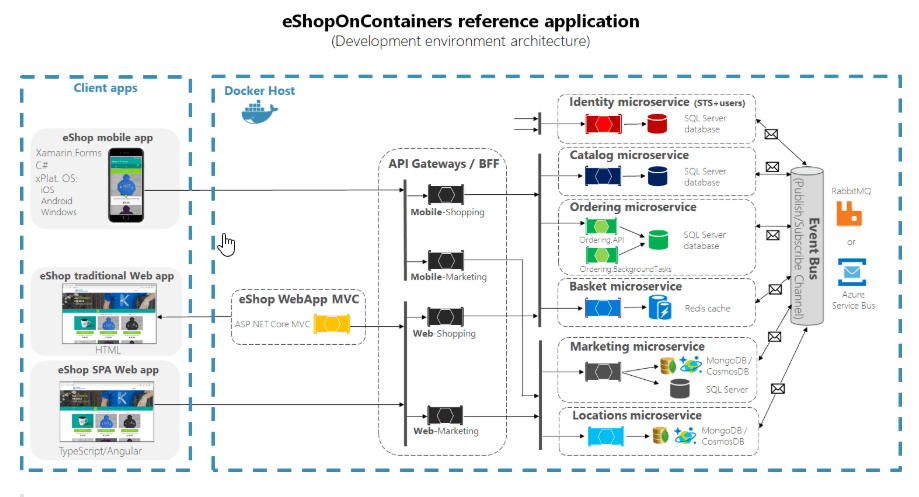
Building Microservices with RabbitMQ: A Complete Guide
Learn how to implement message-driven microservices architecture using RabbitMQ with practical examples and best practices.
Modern TypeScript Development: Advanced Patterns and Best Practices
Explore cutting-edge TypeScript features, design patterns, and architectural approaches that will elevate your development skills and code quality to the next level.
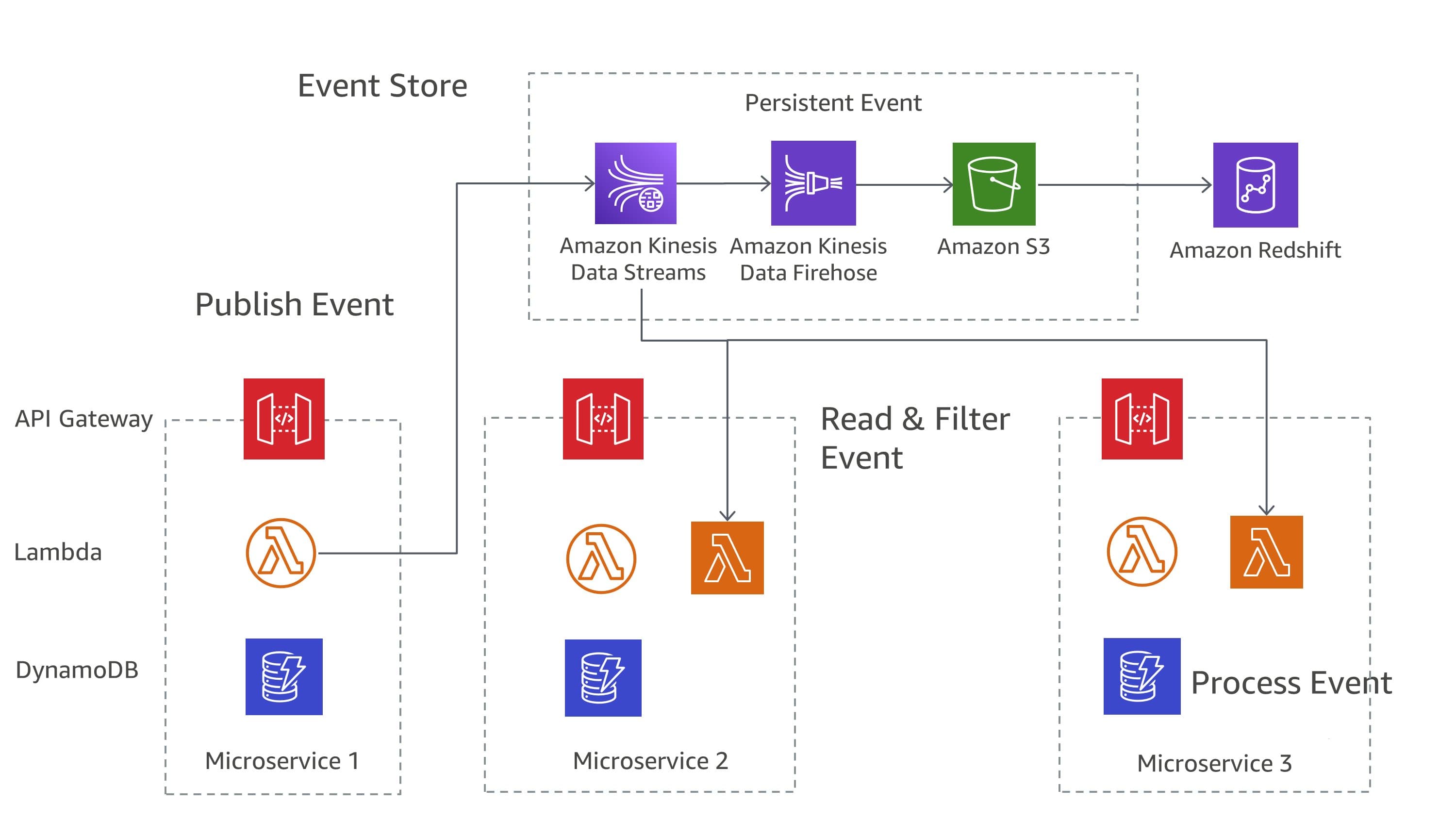
Distributed Systems Design Patterns: Building Resilient Architecture at Scale
Explore proven distributed systems design patterns and learn how to implement Circuit Breaker, Saga, CQRS, and Event Sourcing patterns for building resilient, scalable backend systems.